Best Hidden Android Features Most Users Don’t Know About
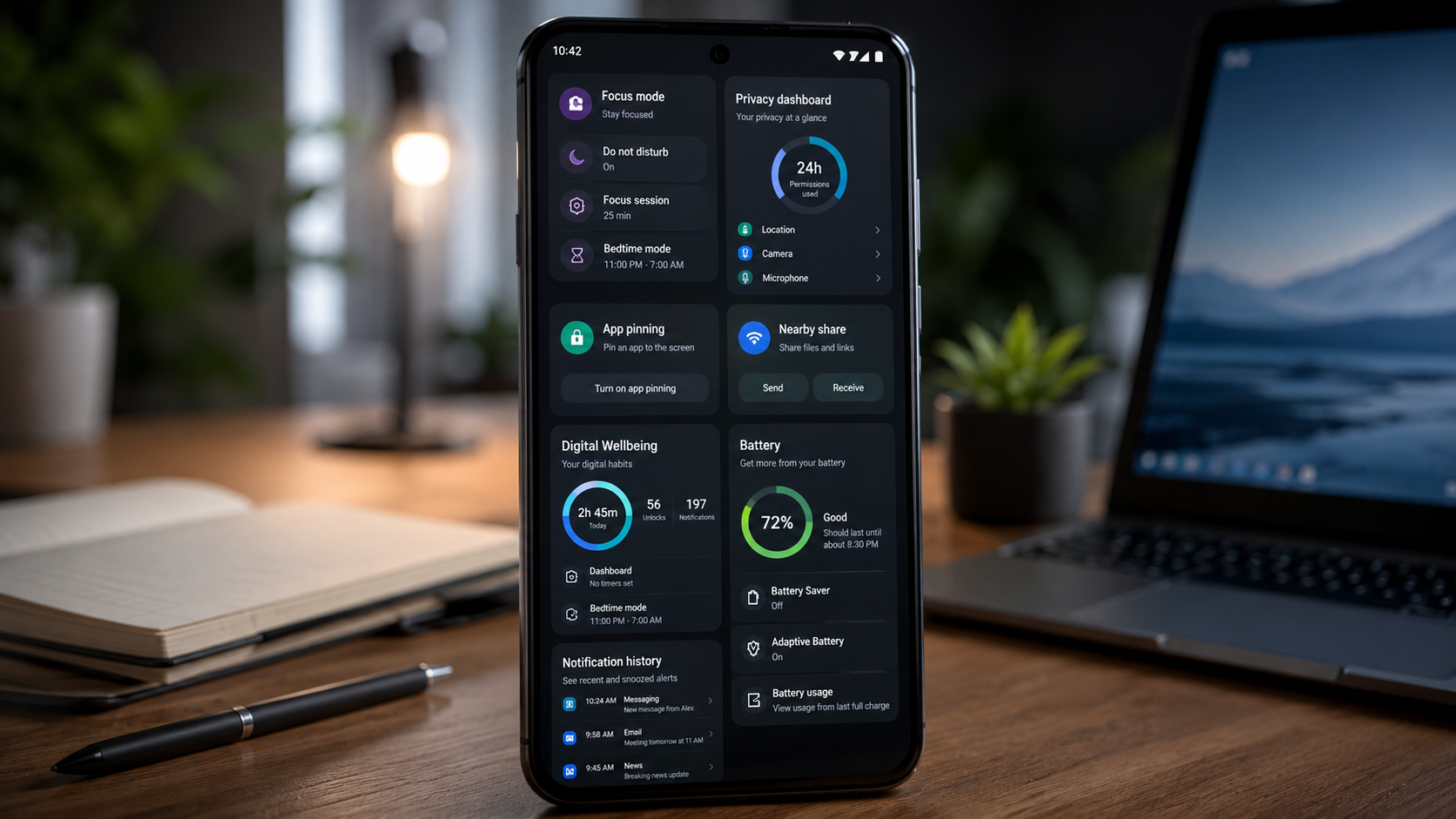
Android smartphones are packed with powerful tools and customization options. However, many users only scratch the surface of what their devices can do. While popular features like widgets and dark mode receive plenty of attention, several hidden capabilities remain overlooked.
Learning the best hidden Android features can improve productivity, enhance privacy, extend battery life, and make your smartphone experience more enjoyable. Whether you own a Samsung Galaxy, Google Pixel, OnePlus, Xiaomi, or another Android device, these hidden features can help you unlock your phone’s full potential.
Why Hidden Android Features Matter
Most Android users stick to basic functions such as calling, messaging, browsing, and social media. However, Android includes advanced tools designed to save time and improve efficiency.
Furthermore, many manufacturers continuously add useful features through software updates. As a result, users often miss valuable capabilities simply because they are buried within settings menus.
Let’s explore the best hidden Android features that most users don’t know about.
1. Split Screen Multitasking
One of the most useful Android features is split-screen mode. This allows you to run two apps simultaneously on the same screen.
For example, you can:
- Watch YouTube while taking notes.
- Browse the web while replying to emails.
- Compare information between two apps.
To activate split-screen mode, open the recent apps menu and select the split-screen option if your device supports it.
Consequently, multitasking becomes significantly easier.
2. Live Caption for Any Audio
Live Caption automatically generates captions for videos, podcasts, and voice messages.
This feature works even when content lacks built-in subtitles.
Benefits include:
- Improved accessibility.
- Easier content consumption in noisy environments.
- Better understanding of foreign accents.
Moreover, Live Caption operates directly on many Android devices without requiring an internet connection.
3. App Pinning for Better Security
If you occasionally hand your phone to friends or family members, App Pinning can protect your privacy.
This feature locks the screen to a single app, preventing access to other applications without authentication.
For instance, if someone wants to view photos, you can pin the Gallery app and prevent access to messages or banking apps.
Therefore, App Pinning adds an extra layer of security.
4. Notification History
Have you ever accidentally dismissed an important notification?
Android’s Notification History feature allows you to view recently cleared notifications.
Many users remain unaware of this tool even though it can save important messages, reminders, and alerts.
To enable it:
- Open Settings.
- Go to Notifications.
- Select Notification History.
- Turn it on.
As a result, you’ll never lose important notifications again.
5. Quick Tap Shortcuts
Some Android devices offer Quick Tap functionality.
By tapping the back of your phone twice, you can perform actions such as:
- Taking screenshots.
- Launching apps.
- Opening Google Assistant.
- Turning on the flashlight.
Additionally, Quick Tap saves time by reducing the need to navigate through menus.
6. Nearby Share for Fast File Transfers
Many users still rely on messaging apps or cloud storage to transfer files.
However, Nearby Share provides a faster alternative.
With Nearby Share, you can:
- Send photos instantly.
- Transfer videos.
- Share documents.
- Exchange links.
Because it uses Bluetooth and Wi-Fi technologies, file transfers are often much quicker than traditional methods.
7. Focus Mode for Productivity
Smartphone distractions reduce productivity for millions of users.
Fortunately, Android includes Focus Mode.
This feature temporarily pauses distracting apps while you work, study, or attend meetings.
For example, you can block:
- Social media apps.
- Games.
- Entertainment applications.
Consequently, Focus Mode helps users maintain concentration throughout the day.
8. Screen Attention Feature
Screen Attention prevents your display from turning off while you’re actively looking at it.
Using the front camera, Android detects when you are viewing the screen.
This feature is particularly useful when:
- Reading articles.
- Following recipes.
- Reviewing presentations.
Furthermore, it eliminates the need to repeatedly touch the screen to keep it awake.
9. Built-In Screen Recorder
Many users install third-party screen recording apps unnecessarily.
Modern Android devices already include a built-in screen recorder.
You can use it to:
- Create tutorials.
- Record gameplay.
- Capture troubleshooting steps.
- Save online presentations.
Additionally, built-in recorders generally offer better performance and improved security.
10. Digital Wellbeing Dashboard
Digital Wellbeing provides detailed insights into smartphone usage.
It tracks:
- Screen time.
- App usage.
- Notifications.
- Device unlocks.
As a result, users can better understand their habits and reduce excessive screen time.
Moreover, Digital Wellbeing includes parental controls and focus tools.
11. One-Handed Mode
Large smartphone screens improve media consumption but can be difficult to use with one hand.
Android’s One-Handed Mode temporarily reduces the display size, making navigation easier.
This feature is particularly helpful while:
- Walking.
- Commuting.
- Carrying items.
Therefore, one-handed operation becomes much more comfortable.
12. Battery Usage Insights
Battery life remains a major concern for smartphone users.
Android includes advanced battery monitoring tools that identify apps consuming excessive power.
By reviewing battery statistics, users can:
- Remove inefficient apps.
- Adjust background activity.
- Improve overall battery life.
Consequently, devices can last longer between charges.
Privacy Features You Should Enable
Privacy has become increasingly important in today’s digital world.
Android offers several hidden privacy tools, including:
Permission Manager
Review which apps have access to:
- Camera
- Microphone
- Location
- Contacts
Privacy Dashboard
This feature shows exactly how apps use sensitive permissions.
Microphone and Camera Toggles
Instantly disable camera and microphone access system-wide.
As a result, users gain greater control over their personal data.
How Hidden Android Features Improve Daily Use
The best hidden Android features are not merely technical additions. Instead, they solve real-world problems.
For example:
- Split-screen boosts productivity.
- Focus Mode reduces distractions.
- App Pinning improves security.
- Nearby Share speeds up file transfers.
- Privacy tools protect personal information.
Therefore, learning these features can significantly improve your smartphone experience.
Frequently Asked Questions
What are the best hidden Android features?
Some of the best hidden Android features include Split Screen, Live Caption, App Pinning, Focus Mode, Nearby Share, Notification History, and Privacy Dashboard.
Do all Android phones have these features?
Most modern Android devices support many of these features, although availability may vary by manufacturer and Android version.
Which hidden Android feature improves productivity the most?
Focus Mode and Split Screen Multitasking are among the most effective productivity tools available on Android devices.
Are hidden Android features safe to use?
Yes. These features are built directly into Android and are designed to improve usability, security, and privacy.
How can I find more hidden Android features?
Regularly explore your device settings and review new Android update features released by your smartphone manufacturer.
Android Official Website